














Check or renew a registration
- Scan a plate using your camera, or
- Enter a plate number manually
No registrations have been added to your account
You don’t have any vehicle-related fines.
Demerit points summary
Demerit points by class
Last offence recorded
Get a driving record
- An uncertified record which cannot be used for legal proceedings. You can download this for 7 days from purchase date.
- A certified record which can be used for legal proceedings. This will be mailed to you within 7 days.
You have no check-ins at the moment.
Ready to scan
Put your camera up to the venue’s QR code.
You have no sign ins at the moment.
Add or remove Siri Shortcut
Add a custom phrase like “Show driver licence” to get to your licence faster.
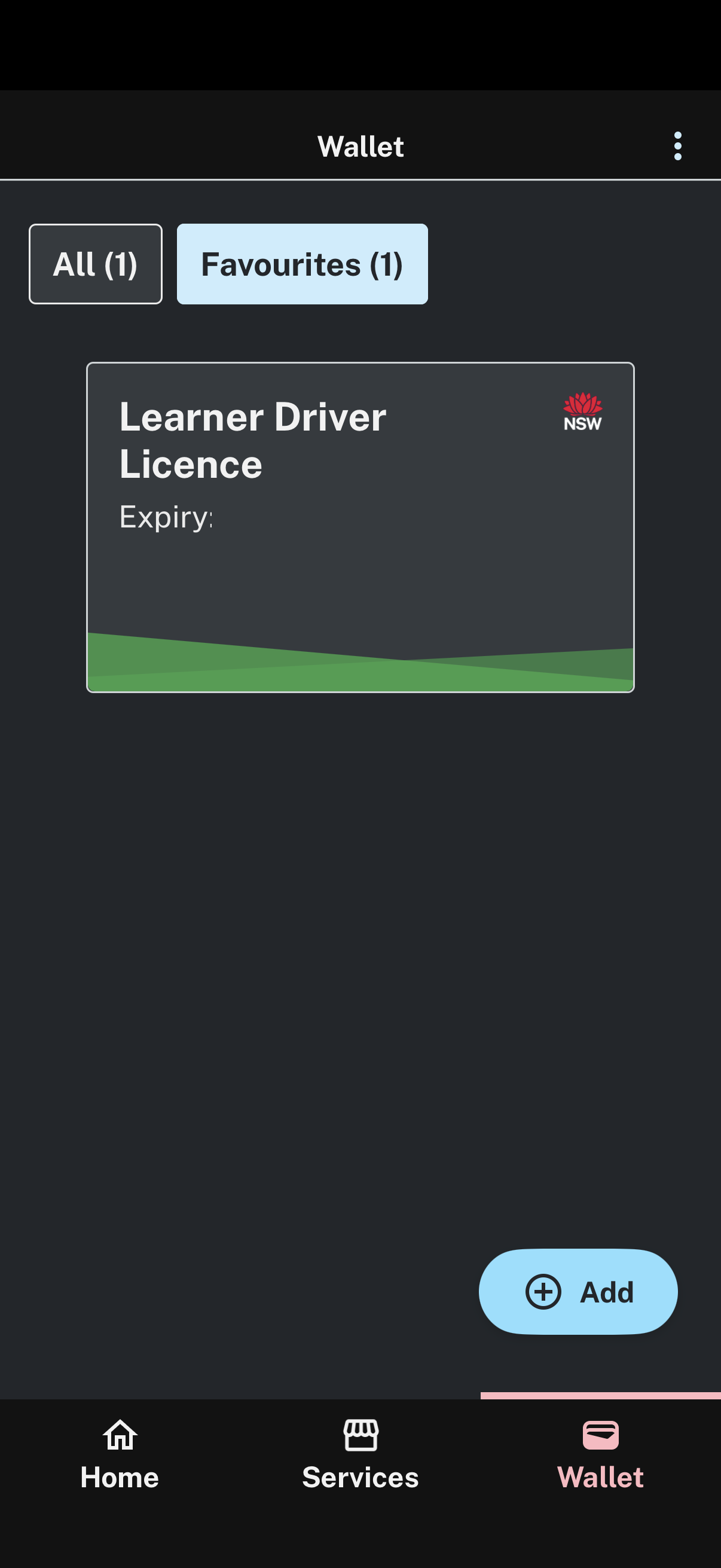
About Digital Driver Licence

Keep your phone charged so you can show your licence.

Show your licence clearly as damaged screens may not be accepted.

Don’t touch your phone to access your digital licence while driving or riding. Wait until a police officer asks.

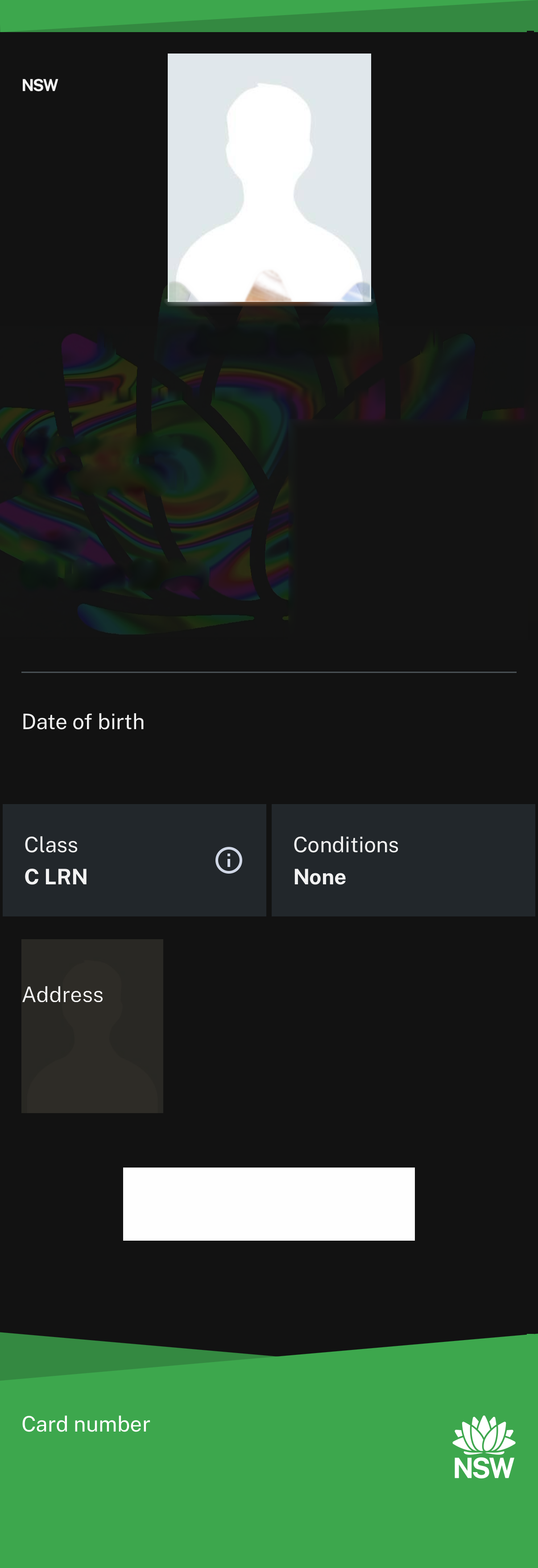
Use your Digital Driver Licence just like your plastic card. You can show Police or prove your identity and age.

You don’t have to hand over your phone. You may be asked to refresh your licence, by pulling down and releasing.

Your licence can be scanned to help verify it’s real. Your name will be shared with the person scanning your code for a limited time.

Full Terms and Conditions can be found here: Terms and Conditionsand Privacy Policy.
What to do if this is not your driver licence
If you're seeing someone else's licence, such as your partner's, you can remove the current licence and then add your licence via the on-screen prompt.
Remove the current licence
Check a licence or credential
Select what you need to check:
Ready to scan
Place camera over the QR code of the digital licence or credential to help determine it’s genuine.
Verify a Birth Certificate
- Given name(s)
- Family name
- Credential validity
Verify a Photo Card
- First name
- Last name
- Age over 18
- Credential validity
Secure one-time codes

- Only some of your activity history will show here. We are working on displaying more in the future.
- We cannot show any activities before 01/07/2021